


As high-speed internet becomes essential for both personal and professional use, selecting the right Best ONU Optical Network Unit plays a crucial role in ensuring reliable connectivity. An ONU connects end-users to a Passive Optical Network (PON) and serves as the gateway for Fiber to the Home (FTTH) and Fiber to the Business (FTTB) deployments.
For home users, an Best ONU must support streaming, gaming, and multiple connected devices. For businesses, a more robust ONU is required to handle large-scale data transfers, video conferencing, and enterprise security protocols.
This guide explores the differences between home and business ONUs, helping you determine the best ONU for your needs.
Understanding ONUs and Their Role in FTTH Networks
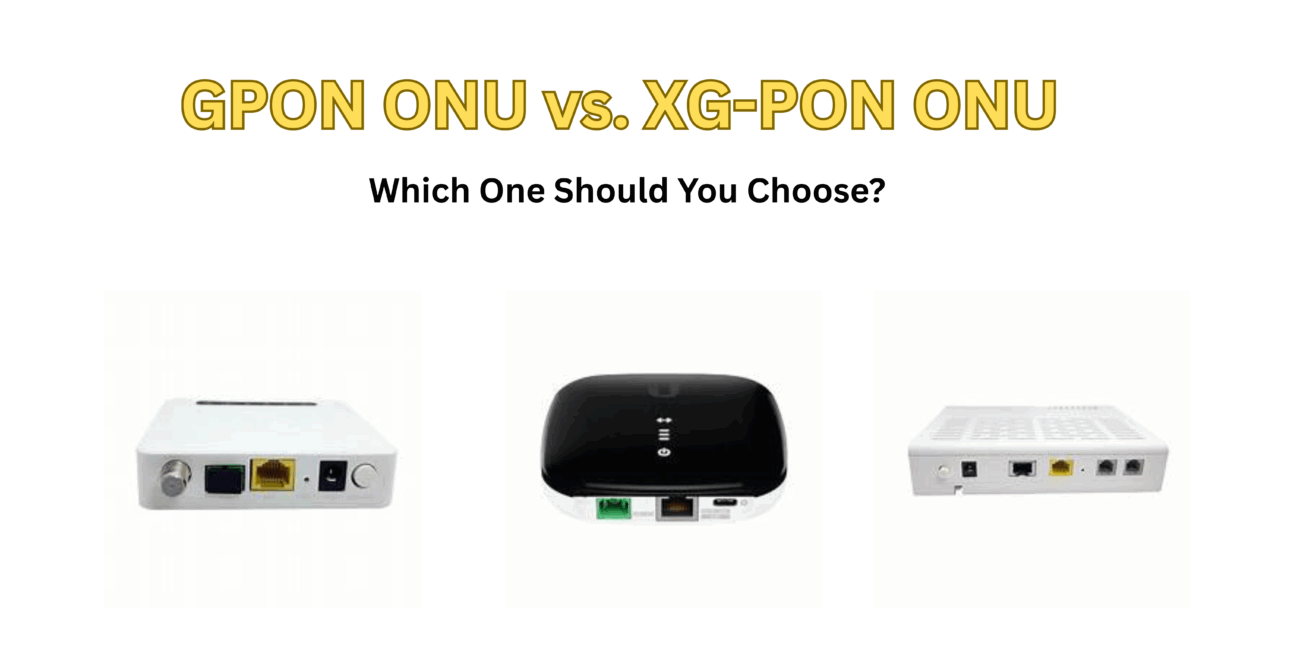
An Optical Network Unit (ONU) is a device that converts optical signals from a Fiber-to-the-Home (FTTH) or Fiber-to-the-Business (FTTB) network into electrical signals usable by end devices. It is a crucial component in Gigabit Passive Optical Network (GPON) and XGS-PON technologies, enabling high-speed internet access.
Why Does ONU Selection Matter?
- For home use, an ONU must handle multiple devices, streaming, and gaming without latency issues.
- For businesses, ONUs must support enterprise-grade security, high bandwidth, and seamless integration with corporate networks.
Selecting the right ONU enhances performance, improves security, and ensures scalability for future growth.
Key Differences Between Home and Business ONUs
1. Performance Requirements
Home Use:
- Bandwidth Needs: Most home users require 100 Mbps to 1 Gbps, sufficient for streaming, gaming, and web browsing.
- Concurrent Connections: A typical home network has 10-20 connected devices, including smartphones, laptops, smart TVs, and IoT devices.
- Latency: Low latency is important for gaming and video streaming but not as critical as in business applications.
Business Use:
- Higher Bandwidth Demands: Businesses often require 1 Gbps to 10 Gbps speeds for seamless operations.
- More Concurrent Users: Offices, hotels, and corporate buildings have hundreds of devices connected simultaneously.
- Enterprise Applications: Video conferencing, cloud computing, and data-heavy applications demand high reliability and low packet loss.
2. Security and Encryption
Home Use:
- Basic Firewalls & Encryption: Home ONUs come with standard WPA2/WPA3 encryption for Wi-Fi security.
- Limited Threat Protection: Home networks are less prone to cyber threats compared to business environments.
Business Use:
- Advanced Security Measures: Business Best ONUs feature AES-256 encryption, VPN support, and firewall protection to secure sensitive data.
- Network Segmentation: Businesses use VLANs (Virtual LANs) to separate employee, guest, and IoT traffic.
- Intrusion Detection & Prevention: Many ONUs come with built-in IDS/IPS for real-time threat monitoring.
3. Quality of Service (QoS) & Traffic Management
Home Use:
- Basic QoS Settings: Most home ONUs have default QoS configurations for prioritizing video streaming and gaming.
- Manual Adjustments Limited: Users cannot always modify QoS rules extensively.
Business Use:
- Advanced QoS Configuration: Business ONUs allow IT teams to prioritize mission-critical traffic (e.g., VoIP calls over general browsing).
- Traffic Shaping & Bandwidth Control: Businesses can allocate bandwidth per department or application to prevent congestion.
4. Scalability and Future-Proofing
Home Use:
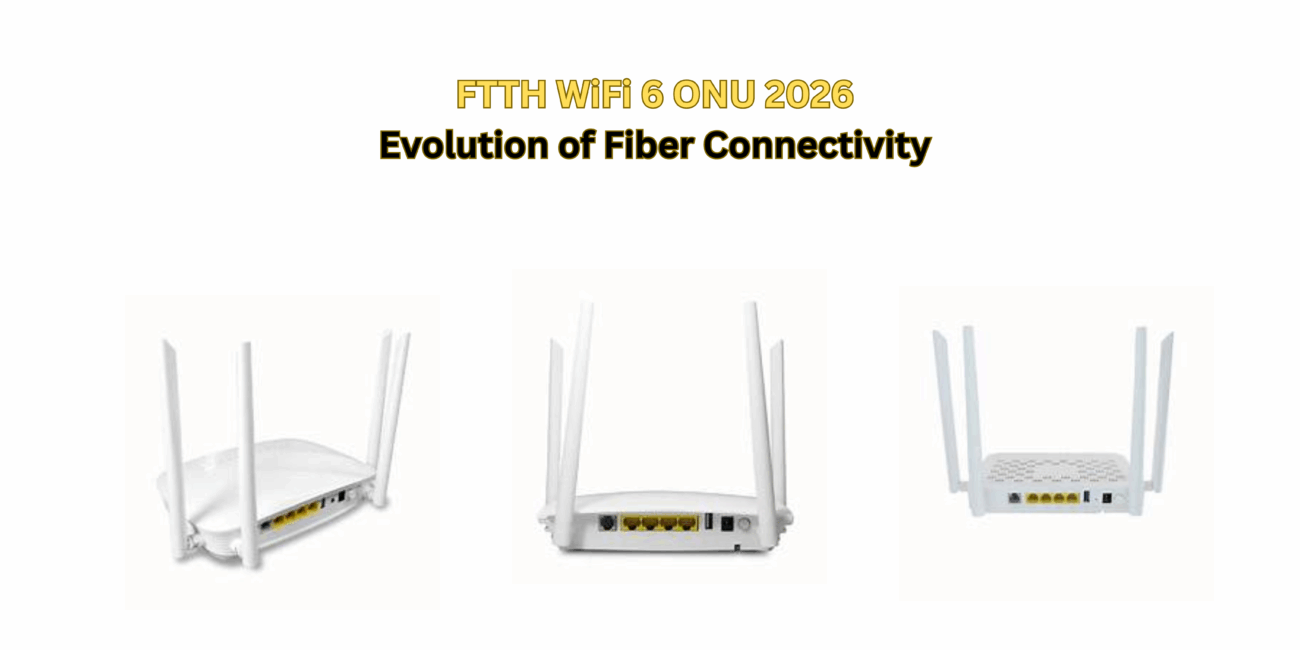
- Fixed Number of Ports: Most home Best ONUs have 1-4 LAN ports and built-in Wi-Fi.
- Limited Expansion: Upgrading usually requires replacing the ONU.
Business Use:
- Modular Expansion: Business ONUs support additional Ethernet ports, SFP slots, and daisy-chaining for large-scale networks.
- Cloud Management & Automation: Many enterprise-grade ONUs integrate with SD-WAN and cloud-based monitoring tools.
5. Management and Monitoring
Home Use:
- User-Friendly Interfaces: Simple web-based dashboards for checking internet speed and device connections.
- Limited Remote Management: Some ISPs offer mobile apps for monitoring network usage.
Business Use:
- Centralized Control Panels: IT administrators can remotely manage and monitor multiple ONUs from a single interface.
- Automated Alerts & Troubleshooting: Businesses benefit from real-time network diagnostics and automated performance reports.
Top ONU Recommendations for Home Use
1. Huawei EchoLife HG8245H
- Features: GPON support, 4 GE ports, dual-band Wi-Fi, 2 POTS ports
- Pros: High-performance Best ONU for streaming and gaming
- Best For: Families with multiple devices and high-speed internet needs
2. ZTE ZXHN F660
- Features: 4 GE ports, 2 POTS ports, dual-band Wi-Fi, GPON support
- Pros: Affordable and reliable for home networking
- Best For: Households with basic internet needs and smart home devices
3. Nokia G-140W-C
- Features: GPON ONU with dual-band Wi-Fi and gigabit Ethernet
- Pros: Stable performance and excellent build quality
- Best For: Home offices and high-bandwidth users
Top ONU Recommendations for Business Use
1. Huawei SmartAX MA5671A
- Features: Supports GPON & XGS-PON, 1 GE port, secure VPN support
- Pros: Enterprise-grade security and encryption
- Best For: Banks, hospitals, and enterprises handling sensitive data
2. ZTE ZXHN F680
- Features: 4 GE ports, GPON support, advanced QoS settings
- Pros: Reliable and scalable for growing businesses
- Best For: Small to medium-sized offices needing strong QoS control
3. Nokia G-240G-C
- Features: 4 GE ports, GPON & XGS-PON support, cloud management
- Pros: Ideal for IT-managed businesses
- Best For: Large enterprises needing remote network monitoring
Making the Right Choice: Home vs. Business ONU
| Feature | Home ONU | Business ONU |
| Speed | 100 Mbps – 1 Gbps | 1 Gbps – 10 Gbps |
| Concurrent Devices | 10-20 | 100+ |
| Security | Basic firewall, WPA3 | AES-256 encryption, VPN support |
| QoS | Limited traffic prioritization | Advanced QoS, bandwidth control |
| Scalability | Fixed | Modular, supports more connections |
| Management | Web UI, basic app | Centralized control, remote monitoring |
| Best For | Streaming, gaming, home Wi-Fi | Corporate offices, enterprises, remote work |
Final Thoughts: Which ONU is Right for You?
- Choose a Home ONU if you need fast and stable internet for streaming, gaming, and general browsing. Devices like the Huawei HG8245H or ZTE F660 offer excellent performance at an affordable price.
- Choose a Business ONU if you require enterprise-grade security, advanced QoS, and scalability. The Nokia G-240G-C or Huawei MA5671A provide superior management features for businesses handling high volumes of data and critical applications.
Final Tip: If you run a home office or a small business, a high-end home ONU like Nokia G-140W-C might offer the best balance of cost and performance. However, for corporate networks, investing in a business Best ONU is essential for long-term reliability and security.
By understanding the differences between home and business ONUs, you can make an informed decision and ensure seamless connectivity that meets your needs.